
Build Community With Live Chat And Discussion Boards
Learning isn’t just about content, it’s about connection. Chat and discussion boards turn digital training into a space where learners engage with one another, share insights, and grow together.



Trusted by 2,500+ Learners since 2021





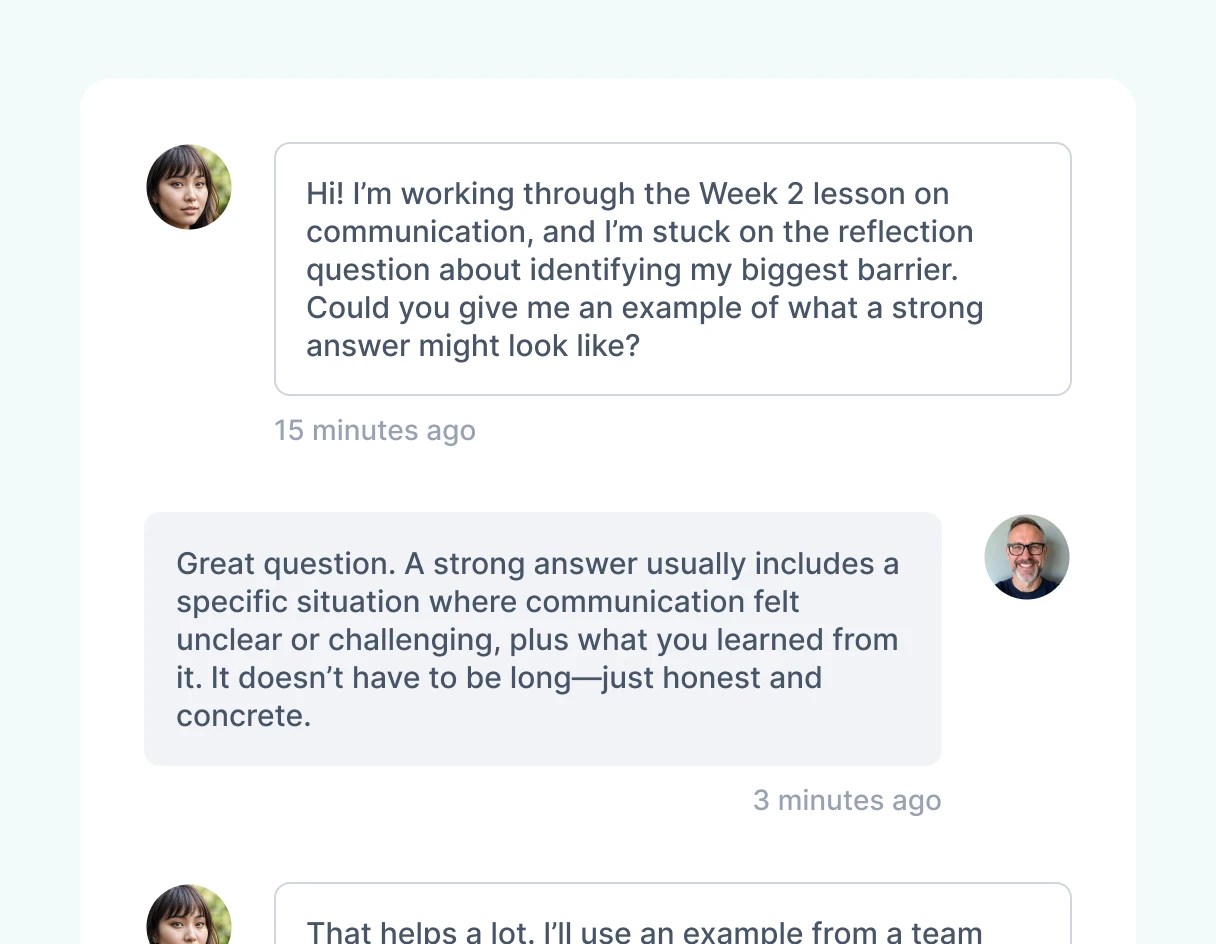
Direct and Group Messaging
Enable one-on-one messaging between learners and instructors for quick questions and feedback.
Use group messages to coordinate discussions, share resources, or guide cohorts.
Keep communication inside the platform without needing outside tools.
Private Group Threads
Create focused spaces for teams, classes, or ministry groups to engage.
Allow learners to collaborate with peers in a safe, distraction-free environment.
Build shared accountability as group members encourage each other’s growth.
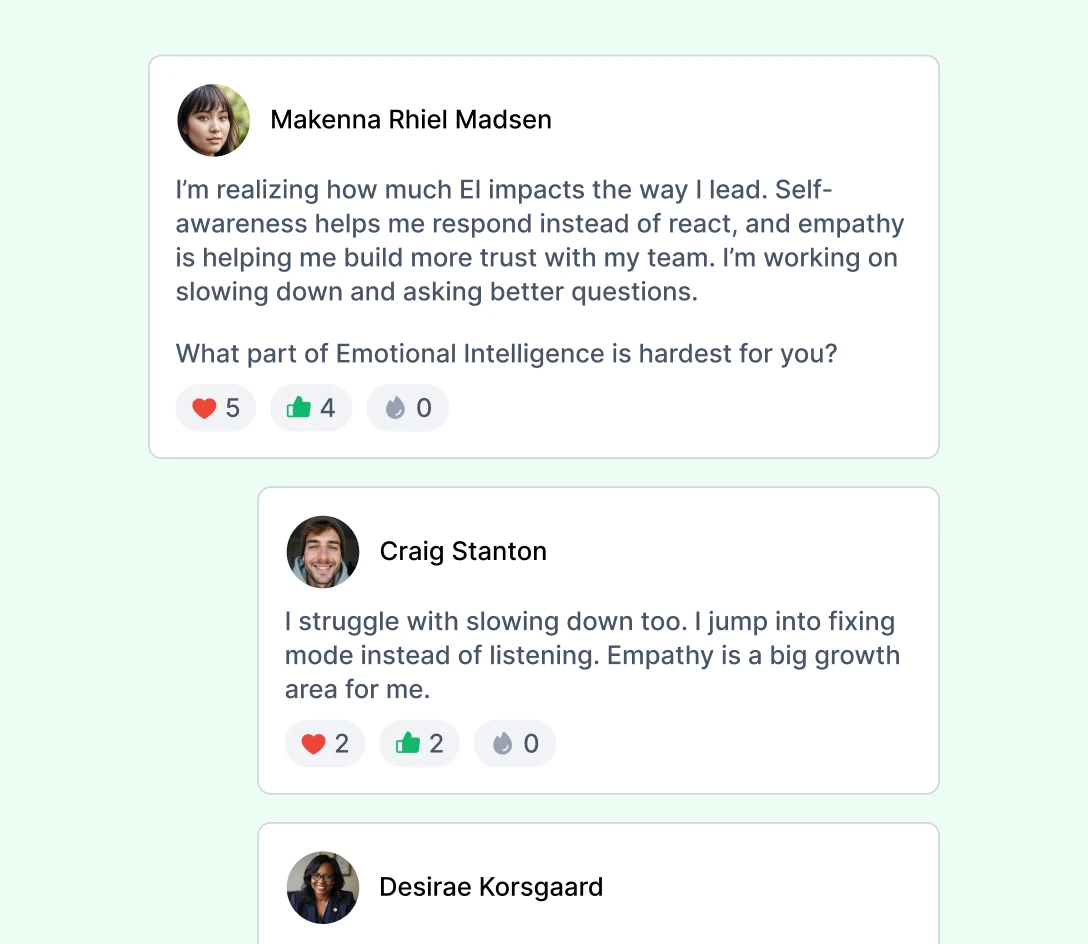
Discussion Boards for Deeper Learning
Provide structured boards where learners can post reflections, questions, or insights.
Foster ongoing dialogue that connects lessons to real-world application.
Make learning richer by drawing on the collective experiences of the group.
Community That Builds Engagement
Prevent isolation by integrating social interaction directly into assignments and courses.
Encourage peer support, collaboration, and mentorship within the platform.
Transform digital training into an interactive community experience.
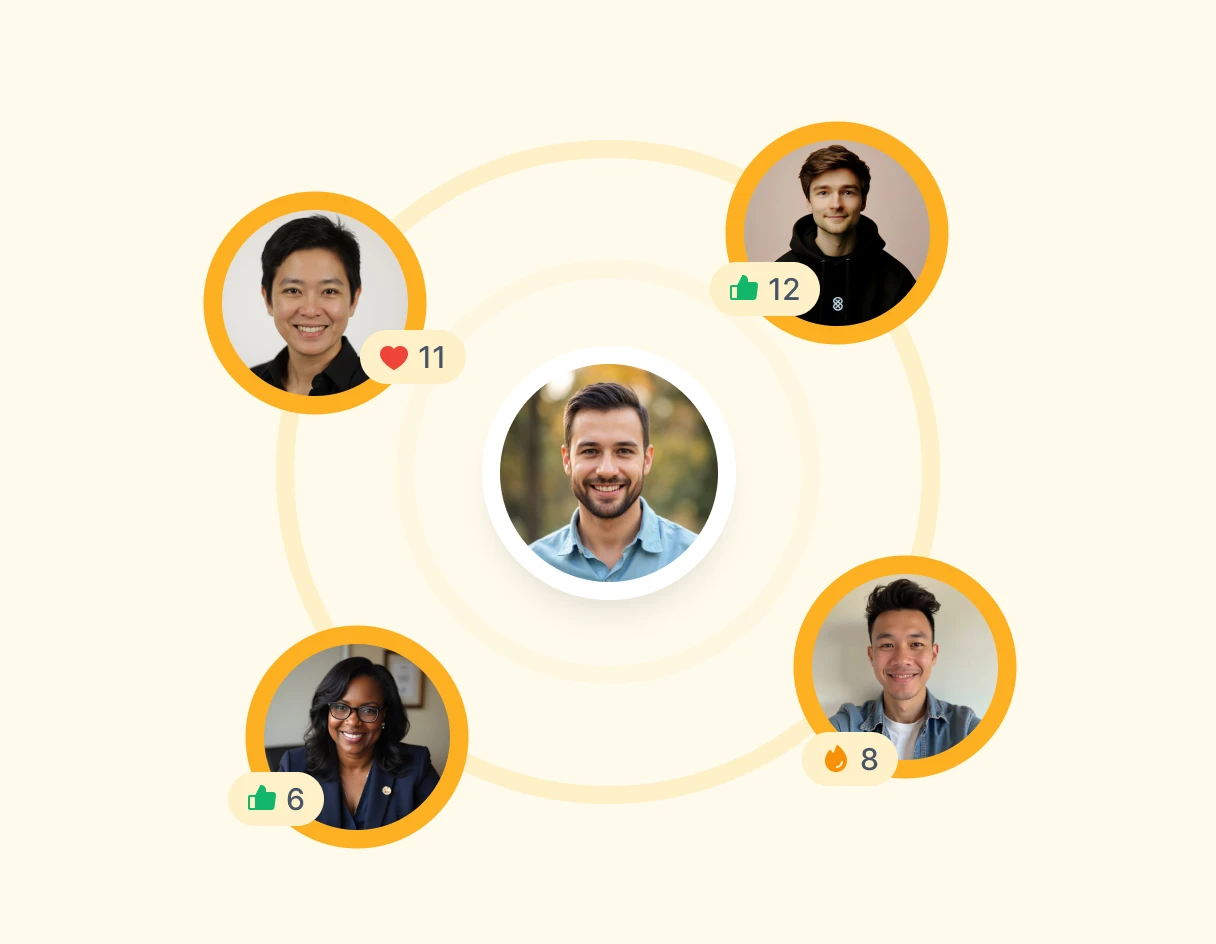
Build Community Through Chat and Discussion
Give learners a place to connect, share, and grow together inside every course.
Try for Free
Explore More Features


Prebuilt Leadership Courses
Jumpstart development with ready-to-use courses built by trusted leaders.


Interactive Assignments
Reinforce learning with quizzes, written prompts, reflections, and feedback-driven assignments.

Chat & Discussion Boards
Create space for conversation, questions, and peer learning through built-in messaging and discussion boards.

Gamification & Awards
Increase engagement with badges, achievements, and visible progress that motivates continued growth.

Admin Dashboard
Manage users, courses, communication, and progress from one centralized control panel.
Frequently Asked Questions
What types of messaging are available?
Develop.Me supports direct messaging, group messages, private threads, and open discussion boards.
How do discussion boards enhance learning?
They allow learners to ask questions, share experiences, and engage in peer-to-peer dialogue that reinforces the content.
Can groups have their own private spaces?
Yes. You can set up private threads or group discussions tailored to specific cohorts or teams.
Why is social interaction important in digital learning?
Interaction prevents isolation, fosters accountability, and creates a collaborative environment that deepens understanding.